Essential Tools Every Remote Professional Should Be Using in 2026
Remote work in 2026 looks very different from what it was a few years ago. It’s faster, more digital, and more connected, which means the tools you use can either slow you down… or give you a serious advantage.
If you’re working remotely (or planning to), here are the tools that can make your work smoother:
1. Stay Connected with the Right Communication Tools
Strong communication is the backbone of remote work. Without it, even simple tasks can become complicated.
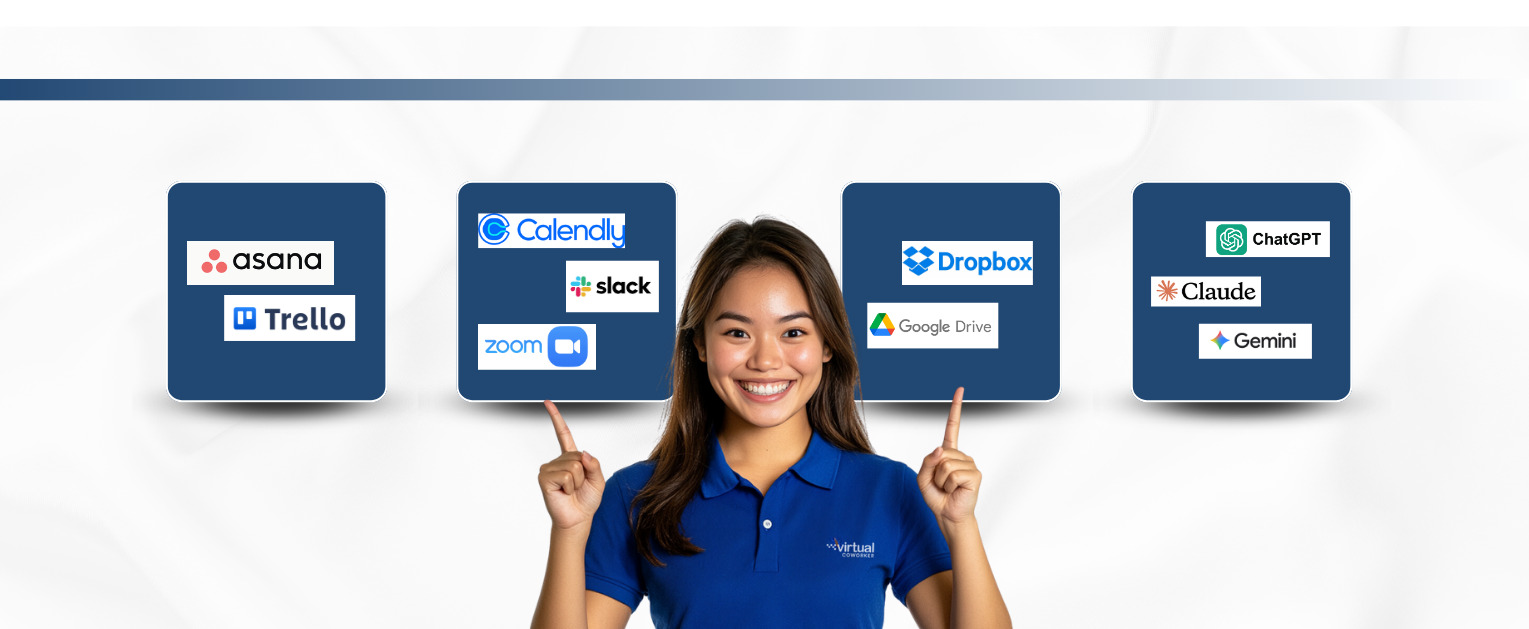
Tools like Slack, Microsoft Teams, Zoom, Google Meet, and Discord help you stay connected with clients and teams in real time, whether for quick updates or formal meetings.
According to Buffer’s State of Remote Work Report, communication remains one of the biggest challenges for remote teams, making these tools essential.
2. Task Management Tools: Keep Your Work Organized
Juggling multiple tasks? You need structure.
Tools like Asana, Trello, and ClickUp help you track deadlines, organize workflows, and avoid things slipping through the cracks.
In remote work, being organized = being reliable.
3. Cloud Storage: Make Your Files Accessible Anywhere
Imagine needing an important file… and not having access to it.
Platforms like Google Drive, Dropbox, and OneDrive allow you to store, share, and collaborate in real time.
4. Use AI to Your Advantage
Artificial Intelligence is rapidly transforming how work gets done.
Tools like ChatGPT, Claude, Gemini, and Copy.ai help with writing, research, automation, and overall task efficiency.
Beyond content creation, AI tools are also used for:
- Meeting summaries: Otter.ai, Fireflies
- Automation: Zapier, Make
- Data insights: Power BI, Tableau AI
According to PwC, AI is expected to contribute up to $15.7 trillion to the global economy, making it a key driver of productivity and innovation.
5. Scheduling Tools: Simplify Your Schedule
Working with global clients means dealing with different time zones.
Tools like Calendly, Google Calendar, Motion, and SavvyCal help streamline scheduling and eliminate unnecessary back-and-forth emails.
This not only saves time but also creates a more professional experience for clients.
Final Thoughts
You don’t need to use every tool out there, just the right ones.
In remote work, the tools you use directly impact how efficient, reliable, and valuable you are to your clients.
Start small, learn as you go, and build your system over time.